
Ubuntu mirror in Iran: set up apt with Novin Cloud
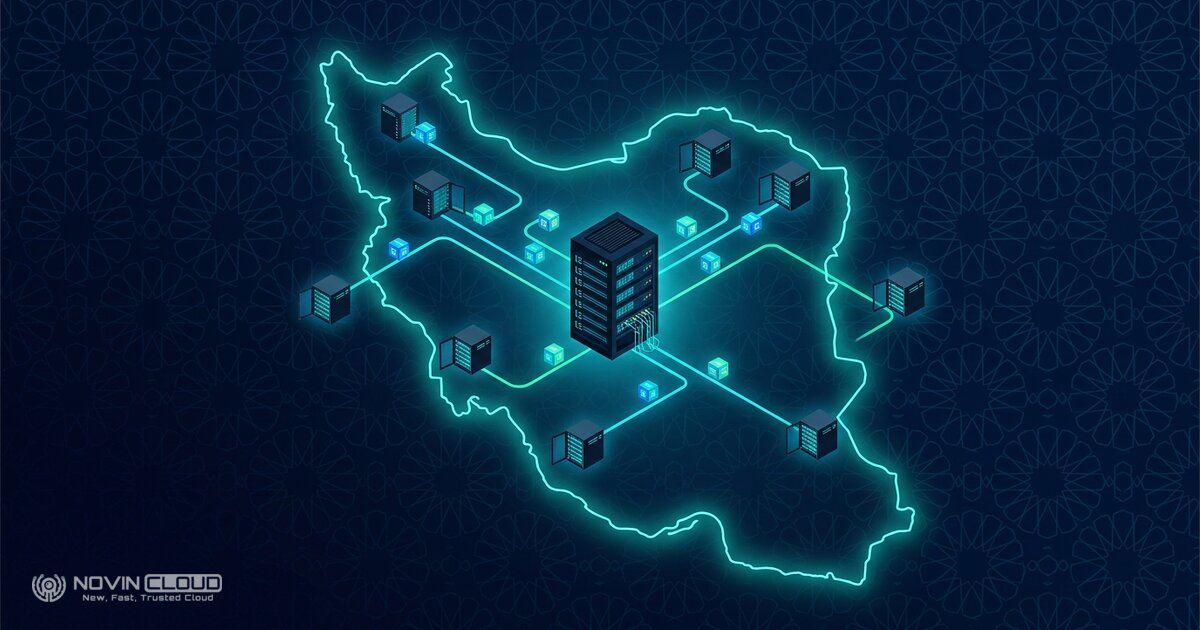
To make apt update on Ubuntu fast and reliable from inside Iran, point apt’s repository addresses at the Novin Cloud mirror, mirror.novin.cloud. It needs no sign-up or VPN, and you can undo it with one command.
What is the Novin Cloud Ubuntu mirror?
A mirror is a copy of the official repository hosted inside Iran. When apt downloads from foreign servers such as archive.ubuntu.com, speed depends on the international route and sometimes on sanctions. With the Novin Cloud mirror the same packages come from inside the country.
The mirror is public and free, and downloading packages needs no account or API key. The ubuntu repository is a full copy of the official archive, and security updates come from a separate ubuntu-security repository. The full list of repositories is in the Novin Cloud mirrors overview.
How do I point Ubuntu’s apt at the local mirror?
First find your release codename. The examples use noble (Ubuntu 24.04); for 22.04 use jammy. Check it with:
lsb_release -csFrom Ubuntu 24.04 on, the settings usually live in /etc/apt/sources.list.d/ubuntu.sources in DEB822 format. On older releases you edit /etc/apt/sources.list. For an older release the steps are:
- Back up the current file:
sudo cp /etc/apt/sources.list /etc/apt/sources.list.bak - Replace its contents with the mirror addresses, swapping
noblefor your codename:sudo tee /etc/apt/sources.list > /dev/null <<'EOF' deb https://mirror.novin.cloud/ubuntu/ noble main restricted universe multiverse deb https://mirror.novin.cloud/ubuntu/ noble-updates main restricted universe multiverse deb https://mirror.novin.cloud/ubuntu-security/ noble-security main restricted universe multiverse deb https://mirror.novin.cloud/ubuntu/ noble-backports main restricted universe multiverse EOF - Refresh the package lists:
sudo apt update
DEB822 format (Ubuntu 24.04 and later)
If your system has an ubuntu.sources file, back it up and replace its contents with:
Types: deb
URIs: https://mirror.novin.cloud/ubuntu/
Suites: noble noble-updates noble-backports
Components: main restricted universe multiverse
Signed-By: /usr/share/keyrings/ubuntu-archive-keyring.gpg

Types: deb
URIs: https://mirror.novin.cloud/ubuntu-security/
Suites: noble-security
Components: main restricted universe multiverse
Signed-By: /usr/share/keyrings/ubuntu-archive-keyring.gpg
How can I tell apt is really using the mirror?
After apt update the output should show mirror.novin.cloud and no archive.ubuntu.com. To double-check, run:
apt-cache policy | grep mirror.novin.cloudIf that prints nothing, another file in /etc/apt/sources.list.d/ probably still points at the old server. A 502 error is usually temporary and goes away when you retry.
Going back to the old settings
Restore the backup and run apt update again:
sudo mv /etc/apt/sources.list.bak /etc/apt/sources.list
sudo apt update
Ready-made examples for a Dockerfile or CI pipeline are in the Ubuntu mirror guide. You set up Debian the same way with the Debian mirror guide.
Frequently asked questions
Does the Novin Cloud mirror cost anything?
No. The mirror is public, and downloading packages needs no sign-up, login or API key.
Do security updates come from the mirror too?
Yes. The noble-security line points at the separate ubuntu-security repository on the same domain.
Does it work for Debian servers?
Yes. Novin Cloud also mirrors Debian, Alpine, Rocky and other distributions, and each has a guide in the Linux packages section.
Summary
With four lines of configuration, Ubuntu’s apt fetches packages from inside Iran, so installs and updates no longer depend on a foreign route. If you need an Ubuntu server for your next project, see Novin Cloud cloud servers. All repositories are listed on the mirror service page.

Comments (1)